A little guide, made for you

You've been texting it.Now build with it.

Most people use AI like a really smart text thread. That's the front door. Behind it is something that can write code, use apps and build a whole Roblox game with you.

That's the part
everyone knows.

Here's the part almost nobody uses.

Beyond chat

Claude doesn't just answer.
It does things.

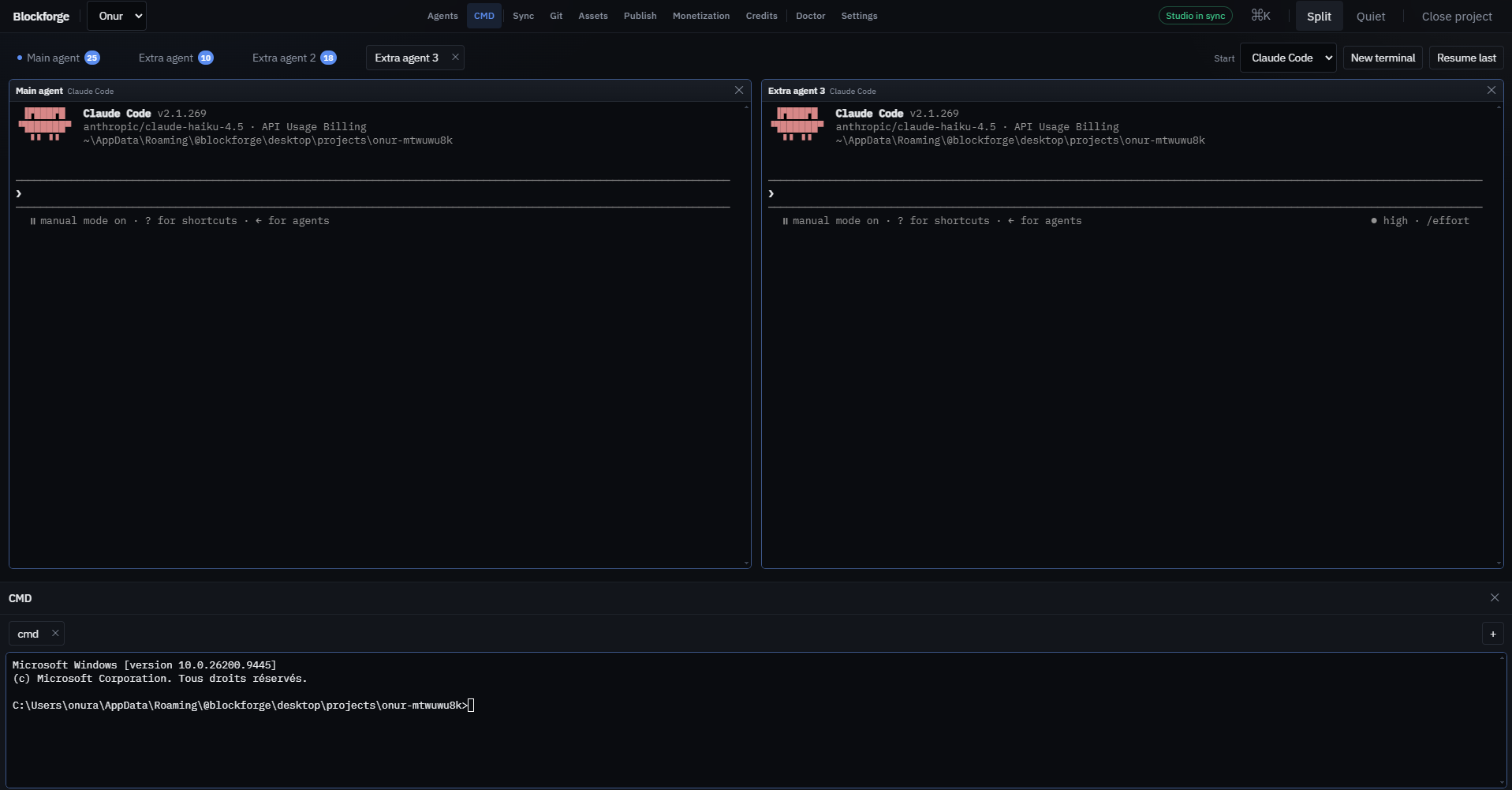
When you connect Claude to tools, it stops telling you how to do something and starts doing it with you, while you watch.

⌨️

Writes and runs code

Not snippets to copy and paste. Whole projects that it builds, runs and fixes until they work.

πŸ”Œ

Plugs into apps

Through "connectors" it can work inside other programs, like your calendar, your email, or Roblox Studio.

🌐

Uses a browser

It can click through websites, fill in forms and pull information together for you.

πŸ”Ž

Researches properly

It reads dozens of sources and gives you back a summary, with links you can check.

πŸ“„

Makes real files

Docs, slides, spreadsheets and websites. Actual files you can open, not a wall of text.

🎨

Designs

Describe a vibe, like "cozy," "neon" or "Apple-clean," and it builds the look. This page is an example.

The part you'll love

Claude can work inside
Roblox Studio.

Roblox Studio has a built-in connector that lets Claude reach into your game. You describe what you want, and Claude writes the scripts, puts them in the right place, hits Play to test, reads the errors and fixes them.

You"make the floor lava"
Claudeplans + writes Luau
Roblox Studioyour game updates

Some of the things Roblox's connector lets Claude do, by their real names:

execute_luaumulti_editsearch_game_treestart_stop_playget_console_outputscreen_capturegenerate_meshgenerate_materialinsert_assetsave_place

Translation: it can read your game, edit scripts, run code, playtest, look at the screen, generate 3D models and materials, and save.

Try it

Say it. Watch it happen.

A tiny obby. Tap a request below, the way you'd ask Claude, and watch the game change. On the right is the real Roblox code (Luau) that makes it happen in Studio.

Tap the game or press Space to jump.πŸͺ™ 0
Pick a request on the left β†’
-- Claude's code shows up here.

The activity log is an illustration of the steps Claude takes in Studio. The code is real Luau you can use.

Real talk

It's powerful. It's not magic.

Here's what Roblox developers on Reddit actually say, so you go in knowing.

🎨 Make the look yours

The most common complaint is AI-made menus that all look the same. Give Claude your own colors, sketches and references, and say "not generic."

"your game will not stand out when you have the exact same ui style that thousands of other games have." (r/robloxgamedev)

πŸ”§ You'll still debug

Things break. The fix is usually telling Claude exactly what happened ("I fall through the floor after the checkpoint") and letting it test again.

"Even while using AI it still took many hours of debugging and big fixing." A 13-year-old building an anime fighting game (r/robloxgamedev)

🧱 One small feature at a time

The best builders above all say it: ask for one thing, play it, adjust it, then move on. Don't ask for "a whole game" in one message.

πŸ’‘ The ideas are yours

Claude is the builder. What makes a game fun, like the theme, the twist and the feel, still comes from you.

Get started

Four steps to your first build.

Tap each step when it's done. These steps come from Roblox's own setup guide.

1

Install both apps

The Claude desktop app (claude.ai/download) and Roblox Studio, both the latest versions.

2

Turn Studio into a connector

In Studio, open Assistant, click … β†’ Manage MCP Servers, and switch on Enable Studio as MCP server.

3

Quick-connect Claude

In the same MCP Servers settings, open Quick connect and turn on Claude Desktop. Then restart Claude.

4

Check for the green dot

Back in Manage MCP Servers, a green indicator means they're talking. Open a place in Studio and say hi to Claude.

First things to ask

Copy one, paste it into Claude, and go.

Start small
Look at my open Roblox place and tell me what's in it. Then add a lava floor that resets players who touch it, and playtest to make sure it works.
Make an obby
Build a 10-stage obby that gets harder each stage. Add a checkpoint at every stage and a coin counter on the leaderboard. Playtest it and fix anything that breaks.
Learn while building
I'm new to Roblox scripting. Every time you add a script, explain in two plain sentences what it does, so I learn as we go.
Your own style
Here's the vibe I want: [describe colors, mood and a game you love]. Design the menu and HUD to match. Make it not look generic.
Same tool, different builds

Things I've built with it.

None of these are games, and I'm not a professional programmer. It's the same idea you'll use: describe it, build it, fix it.

🧠

Jarvis

My own dashboard that pulls in my classes, email and to-do list, and helps plan my week.

πŸ“š

Study websites

Full interactive study sites for my classes, with endless practice quizzes, live on the internet.

βœ‰οΈ

Job applications

Paste a job posting and it drafts the cover letter, helps fill the application and logs it in my tracker.

πŸ₯˜

Meal prep plan

A four-week meal rotation built around my actual kitchen and what I can cook.

πŸŽ™οΈ

Talk-to-type

Hold a key, talk, and cleaned-up text appears wherever I'm typing.

✨

This page

Built with Claude, including the mini game, the research and the Reddit examples.

Your turn. What are you building?